
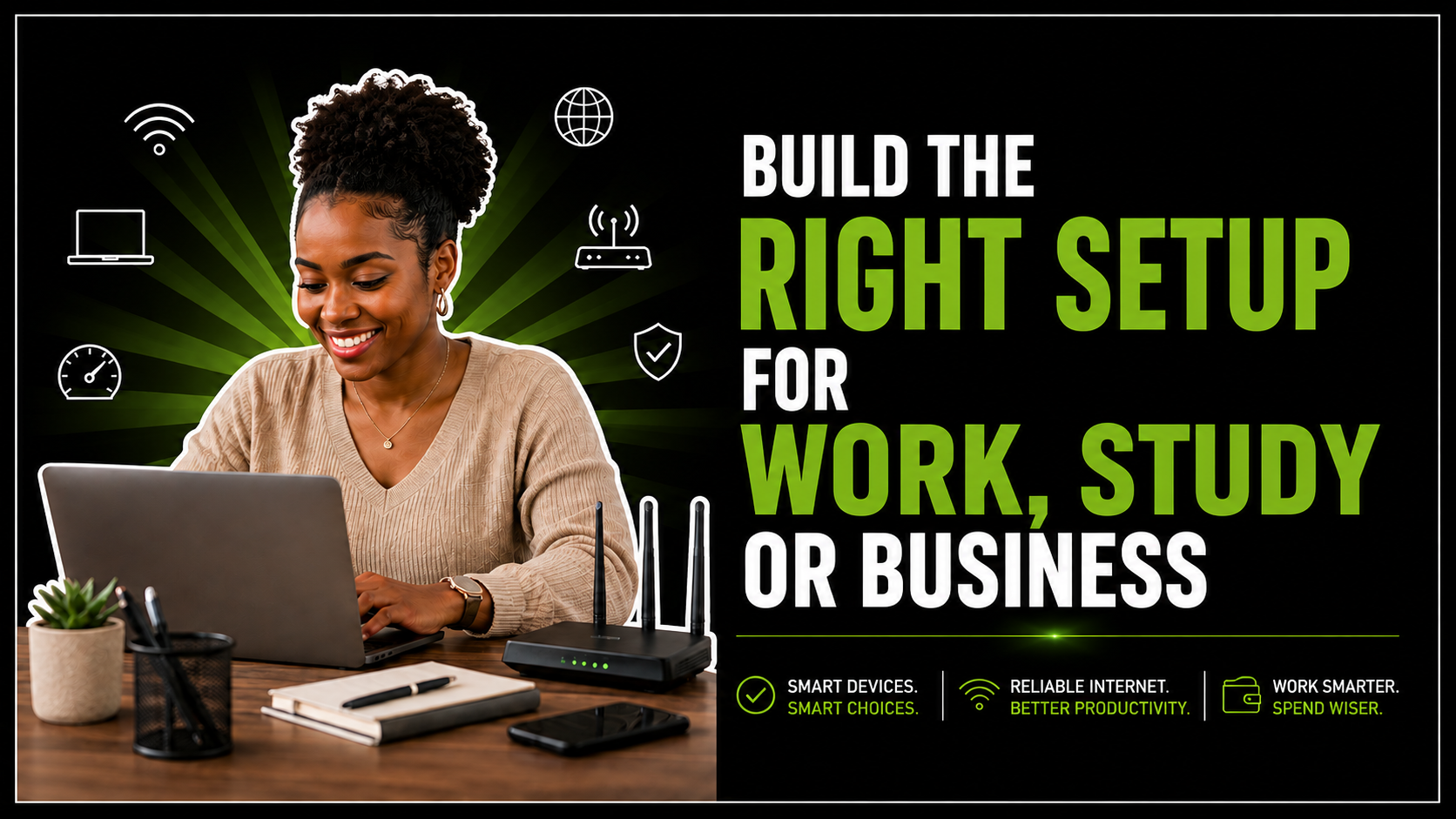
Practical Device and Internet Setup serves as the foundation of modern productivity in today’s world of remote work and online learning. Consequently, having a reliable tech ecosystem is no longer a luxury. However, walking into a tech store can quickly become overwhelming, where jargon like “RAM” and “throughput” makes it easy to overspend on unnecessary gear or under-invest in tools that bottleneck your daily tasks.
Fortunately, building a streamlined tech ecosystem does not require a fortune. Instead, it requires a clear strategy tailored to your personal workflow and monthly budget. Here is a step-by-step guide to assembling a hardware and connection setup that works as hard as you do.
Start Your Work: Practical Device and Internet Setup
Take an inventory of your daily tasks before adding a laptop to your cart. Every practical device and internet setup should be tailored to specific user needs. For instance, the requirements of a graphic designer differ vastly from those of an online student.
To avoid paying for computing power you will never tap into, categorise your daily workload:
Light Duties (Students, Admin, Basic Remote Work): Web browsing, streaming lectures, writing documents, working in Google Docs or Microsoft Excel, and attending Zoom calls.
Medium Duties (Freelancers, Content Creators, Small Business Owners): Light image editing, managing social media channels, running multiple browser tabs alongside desktop apps, inventory management, and basic multitasking.
Heavy Duties (Developers, Video Editors, Designers): 4K video rendering, 3D modelling, compiling code, and heavy data processing.
By defining your baseline workload first, you prevent yourself from overspending. This strategy ensures you avoid buying top-tier machines when a mid-range device would perform the job flawlessly.
What to Look For in an Everyday Laptop for a Practical Device and Internet Setup
Your primary device is the command center of your operations. When shopping for an everyday work or study laptop, ignore flashy marketing gimmicks and focus on three practical pillars: portability, display, and battery life.
Portability and Build Quality
Weight matters if you move between coffee shops or university halls. Therefore, look for a screen size between 13 and 15.6 inches. This sweet spot offers enough real estate for split documents without weighing down your backpack.
Display Quality
Prioritise an Anti-Glare or IPS panel with at least Full HD resolution. This choice reduces eye strain during long sessions. Additionally, it ensures that your text remains crisp for easier reading.
Battery Longevity
Laptops requiring a permanent wall connection defeat the purpose of mobility. As a practical starting point, aim for at least 6 to 8 hours of battery life. This allows you to work comfortably through power outages.
Why Memory and Storage Matter for a Practical Device and Internet Setup
RAM (Random Access Memory): Acts as your “Workbench” and handles active multi-tasking. Practical starting point: 8GB to 16GB.
SSD (Solid State Drive): Acts as your “Filing Cabinet” for storing photos and apps. Practical starting point: 256GB NVMe SSD.
If a laptop’s processor acts as its brain, memory and storage act as its workbench. Under-specifying these two components is the leading cause of system slowdowns. Ultimately, this leads to significant user frustration.
RAM (Random Access Memory)
RAM determines how many tasks your device can handle simultaneously. While individual needs vary, the following guidelines provide practical starting points for your hardware search.
4GB RAM: The bare minimum; suitable only for light browsing and single-app use.
8GB RAM: The modern baseline for effortless web browsing, office suites, and smooth video calls.
16GB RAM: Recommended for heavy multitaskers, creators, and professionals running virtual environments or media editing suites.
Storage: HDD vs. SSD
Never purchase a primary device relying solely on an old-school Hard Disk Drive. Always opt for a Solid State Drive (SSD) instead. SSDs are significantly faster, allowing your laptop to boot up in seconds. Furthermore, they help applications launch instantly.
Choosing Between Mobile Data and Home Internet for a Practical Device and Internet Setup
A powerful device is only half the equation. Without a stable link to the web, your productivity grinds to a halt. Consequently, the right device and internet connection depends entirely on your daily mobility.
Home Internet (Fiber or Fixed LTE/5G)
Fixed lines like fibre or uncapped 5G plans offer high stability for desk work. When deciding on home connectivity, it is helpful to weigh up 5G vs fibre South Africa. Base this decision on your suburb’s coverage and your specific need for low latency.
Mobile Connectivity
Relying solely on public Wi-Fi can be a security hazard for professionals on the move. However, pairing mobile data with a pocket Wi-Fi gives you an instant, secure hotspot wherever duty calls.
When a Router May Be Useful
Many users mistakenly use their smartphone as a permanent home Wi-Fi hotspot. While this works in a pinch, it drains phone batteries rapidly. Moreover, these hotspots often lack the range needed for an entire workspace.
Dedicated desktops or portable wireless routers are essential if:
Connecting multiple devices: Laptops, smart TVs, and printers strain standard phone hotspots.
Wired stability: Connecting via an Ethernet cable improves stability during crucial client calls.
Extended coverage: Modern routers use multi-directional antennas to push internet coverage through walls and across multiple rooms.
Building Around a Realistic Monthly Budget
High performance does not have to cause financial anxiety. A common trap is buying expensive hardware outright. Unfortunately, this leaves little room in your budget for reliable, high-speed data.
A smarter approach is allocating your technology budget holistically across three key buckets:
Primary Hardware: Core Laptop or Workstation.
Connectivity: Fibre, Mobile Data, and Router Setup.
Mobile Support: Smartphone or Pocket Hotspot.
By balancing hardware purchases with reliable connectivity tools, you maintain peak performance. This approach ensures you achieve your goals without unnecessary financial strain.
Finding the Value Sweet Spot
Leveraging a deal-comparison strategy can drastically stretch your budget. To find the best value, you should compare electronics deals in South Africa. Use platforms that offer lead-generation for verified merchant discounts.
For example, you can find competitive prices on smartphones through the Offershop Mobile Phones Category. A capable smartphone ensures seamless multi-factor authentication. Likewise, it provides reliable messaging and mobile hotspotting for your toolkit.
Similarly, you can secure budget-friendly networking gear via Offershop Wireless Routers and Networking Deals. Pairing the right hardware with affordable data packages leaves extra margin in your monthly operations budget.
Offershop Products Worth Comparing for a Practical Device and Internet Setup
Using a platform for deal comparison saves both time and money. Browsing the lead-generation hub at Offershop allows you to compare various tech essentials. In turn, this ensures you don’t overspend on peripheral gear.
Comparing multi-category deals ensures every rand delivers maximum productivity. Whether you need a business phone or a router, smart shopping pays off.
Summary Checklist for Your Setup
Before pulling the trigger on new hardware or network plans, run through this quick baseline checklist:
- [ ] Workload Identified: Do you fall into Light, Medium, or Heavy usage?
- [ ] Laptop Specs Confirmed: Minimum 8GB RAM + 256GB SSD selected.
- [ ] Display Suitable: Full HD (1080p) screen with anti-glare coating.
- [ ] Internet Choice Made: Stable fiber for home, or a high-capacity mobile setup for mobility.
- [ ] Dedicated Router Acquired: Separate from your personal phone hotspot for home office needs.
- [ ] Budget Balanced: Deals leveraged to keep initial hardware costs within a realistic operational limit.
Build Your Setup Around What You Need to Do for a Practical Device and Internet Setup
Ultimately, technology should serve your workflow rather than complicate it. You don’t need the most expensive flagship laptop or a costly gigabit line to build a high-performing digital workspace.
Start by auditing your daily tasks and choosing solid foundational hardware. Then, pair it with a reliable router and data solution. By building smart, a practical device and internet setup is easily within reach.
Ready to level up your workspace without breaking the bank? Take stock of your workload today, map out your hardware needs, and explore the latest tech savings available at Offershop Online Retailer to build your ultimate setup for less.